




Vincispin App
With the Vincispin app, the full casino experience is one tap away. You can launch it from your home screen with no typing. It gives you one-tap access to all your favorite games and bonuses to stay mobile.



Key Features of Vincispin App
Mobile play is more comfortable for most sessions. Here you’re not tied to a desk, and the action is always with you. The desktop still wins on screen size, especially for live dealer games. But for speed and staying connected on the move, the Vinci Spin app holds its own. Both give you the same games and same features – just in different formats. Here’s how they compare.
| Feature | Vincispin app | Desktop Version |
| Controls | Touch gestures | Mouse and keyboard |
| Accessibility | Play anywhere | Tied to a computer |
| Speed | One-tap access from the home screen | Requires opening a browser and typing the URL |
| Notifications | Push alerts for bonuses and updates | Browser notifications and email |
| Screen Size | Compact layout optimized for small screens | Full-width view with more detail visible at once |
| Live Dealer | Works well, but with a smaller view | A better gaming experience with the larger screen shows more table action |
How to Add Vincispin to Your Phone
You just need to open the Vinci Spin website and create a shortcut. Then you’ve got one-tap access to the full casino from your home screen.
Users don’t need to download anything from app stores. Vincispin Casino runs as a progressive web app through your browser. Adding it to your phone takes about 30 seconds.
PWA is fast and doesn’t take up storage space. Updates happen automatically, so you’re always on the latest version without manual downloads.
Vincispin on iPhone and iPad
Safari on iOS supports PWA technology. The app sends push notifications for updates and barely uses any device storage. There are no large installation files – just instant access.
How to install on iOS:
- Firstly, players should open the Vincispin website in Safari.
- Next, they need to tap the “Share” icon at the bottom.
- Then, players scroll down, select “Add to Home Screen” and confirm.
The icon appears on your home screen. One tap opens the casino instantly with no browser tabs.

Vincispin App for Android
The Vincispin app works on any Android device with an internet connection. No specific model – just your browser and the site. The PWA runs on everything from flagship phones to budget devices. To add it to your home screen, you need to create a shortcut for one-tap access. The interface adapts perfectly to whatever you’re using, so navigation stays simple. Every game you enjoy on the desktop is there.
We built it as a progressive web app, so there’s no APK to download. And the Vinci Spin app is just as safe as playing on the desktop version. The same encryption and security protocols protect your data. Here, the same layers of protection apply. You can play, knowing your account stays protected.
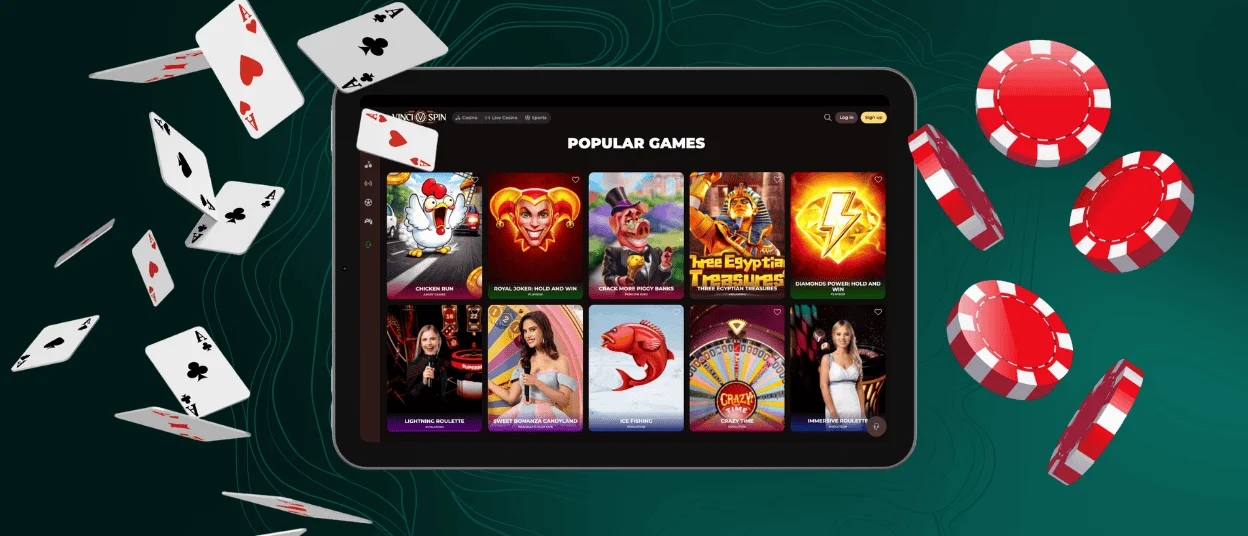
Play Vinci Spin Casino on Mac or Windows
You don’t have to install anything to play Vincispin Casino on a PC or Mac. You can open your browser and go to our website. There are no system requirements – just a stable internet connection. The platform runs securely using encryption, so your data stays protected on desktop just like it does on mobile.
The mobile casino works on all major browsers. Also, you should keep your browser updated to the latest version for the best performance.
For faster access, you can create a shortcut directly on your desktop. In Chrome, you simply need to click the menu icon and select “Cast, save and share.” After that, you should choose “Create Shortcut.” The shortcut launches the Vinci Spin Casino in its own window without browser tabs or address bars. It feels like a native desktop app, but without the installation.
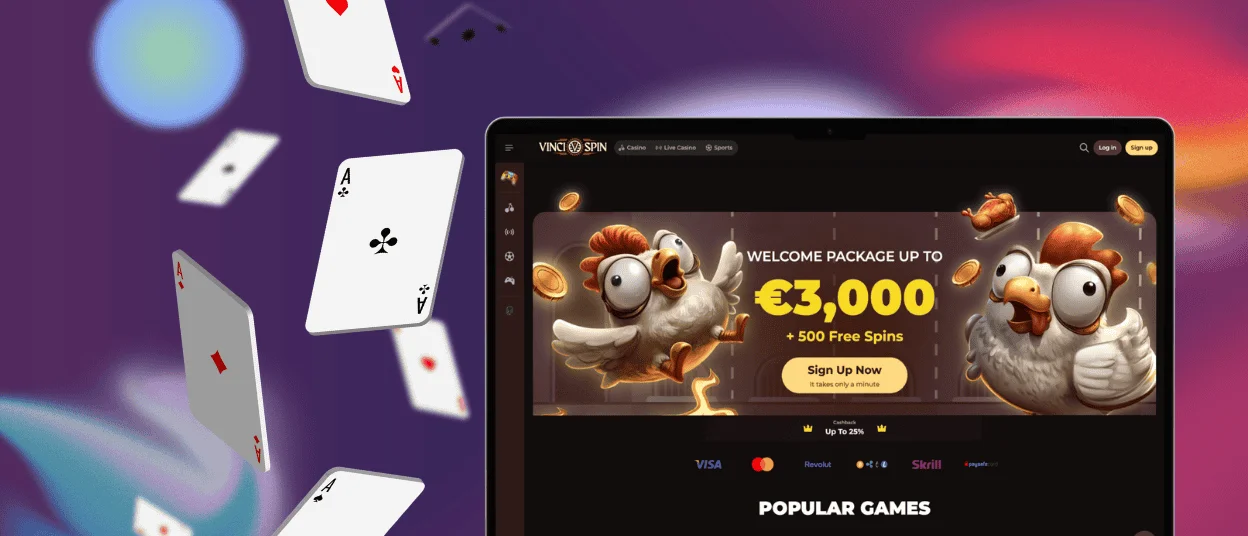
Why Use the Vincispin PWA?
It’s simply easier than juggling browser tabs and typing URLs every time. The Vincispin PWA delivers app-like performance without the usual app issues. It gives you instant access to all we have to offer.
PWA’s key benefits:
- It takes up no space on your device.
- One tap from your home screen, and you’re in.
- Always on the latest version without manual downloads.
- Lightweight architecture means pages load quicker than a standard mobile site.
- It works on any device.
- The Vincispin app uses the same encryption and protocols as the desktop version.
- You can get alerts for all the important updates.
PWA Security Advantages
The Vincispin Casino PWA uses the same security measures as the desktop site. Every connection is encrypted to keep the data safe. We layer that with firewalls and intrusion detection with real-time monitoring. Your data and transactions stay protected across every device.
| Security Measure | What It Does | Why It Matters |
| TLS encryption | Encrypts all data. | All information is kept confidential. |
| Web Application Firewall | Blocks unwanted traffic. | Attacks do not damage the system. |
| Two-Factor Authentication | Adds a second layer of protection to your login. | Even if your password is compromised, all remains safe. |
| Regular Security Audits | Discovers weaknesses. | Gaps cannot become real issues. |
| Verification Process | Confirms identity. | Funds always go to the right person. |
FAQ
Does the app consume significant mobile data?
The PWA is lightweight, so it uses very little data compared to standard mobile apps. Once the game files and interface load, each session uses minimal data. But it is enough to send your actions and receive updates from the server. Graphics are cached locally, so they don’t reload every time you open a game. The Vincispin app is a great option for players on limited data plans.
Is creating an account required to use the Vinci Spin app?
You can open the app and browse the game lobby without logging in. Also, players are free to try demo versions of most online slots with no registration. However, real-money play and bonuses require a registered account. Setting up a Vincispin account takes a few minutes, and the same credentials work on all devices.
Can I install the app outside official app stores?
The only way to get the Vincispin app is directly from our official website. There’s no version on Google Play or the App Store. You’re always getting the up-to-date version without any tampering. There is no APK file to download, and no need to trust any external source. If you have any issues with the Vincispin app or anything, you can contact our support team via live chat or email.


